Pick a date without the back-and-forth
Add a few days or times and send the link. Everyone says what works for them. They do not need an account to answer.
Pick a date in three steps
ChatGPT
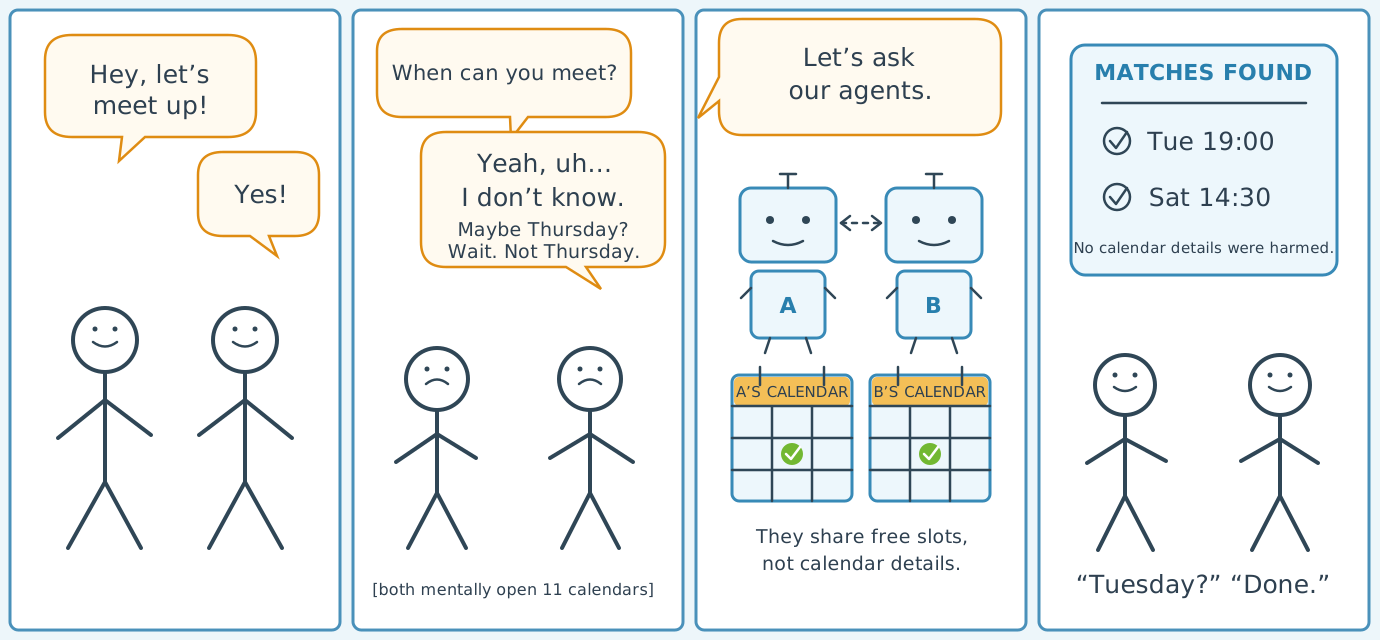
Let your agent handle the planning
Ask ChatGPT to make a date poll or answer one for you. You only need to connect SocialMCP once.
How do I connect it?
This option is available in supported ChatGPT workspaces and may need to be enabled by a workspace administrator.
Open ChatGPT
We copy the address you will need
↗
The button opens ChatGPT and copies the SocialMCP address. Follow the steps below to add it.
-
1
Copy this address
https://socialmcp.me/mcp/ -
2
Add SocialMCP in ChatGPT
Open Settings → Apps. Choose Create and paste the address. You may need to turn on Developer mode under Advanced settings first.
-
3
Confirm that it is you
SocialMCP opens in your browser. Log in and allow ChatGPT to use your date polls.